

Digital signage for offices
from €7/month
Display KPIs, Power BI reports and analytics, plus scheduled announcements, on any screen.




Live KPIs and scheduled announcements
Everything your office needs for effective internal communication.
Office digital signage shows internal communications, calendars, Power BI dashboards, and welcome messages for guests. InfoBox supports Power BI, Canva, Google Slides, YouTube, Lounastaja, Sinebrychoff ContentHub, SharePoint, and Google Drive integrations, from €7 per screen per month.
Power BI integration
Display Power BI reports and dashboards directly on your office screens.
KPI dashboards
Keep your team motivated with real-time sales and performance metrics.
Company announcements
Share news, updates and announcements across all office locations.
Cloud integrations
Connect with Power BI, Canva, Google Slides, YouTube, Lounastaja, Sinebrychoff ContentHub, Google Drive, SharePoint and other cloud services.
Meeting room displays
Show room availability and upcoming meetings outside meeting rooms.
Plug & Play
Works with any TV or display. Setup in 3 minutes.
Office screens live in 3 minutes
Connect Android device
Connect your Android device via HDMI cable to any display or TV.
Connect to network
Connect the device to WiFi or ethernet. Sign in with a free Google account.
Add content
Upload images, videos or any content. Changes appear on screen within seconds.
Price calculator
Calculate your InfoBox price and get a quote instantly
Answer a few questions to see software and display prices. The quote arrives instantly as a PDF and by email.
Pricing
InfoBox Platform
Billed annually: 108 €/year
- Available on Google Play*
- Free 14-day trial
- License for 1 screen
- Unlimited users
- Images, videos, PDF & websites
- Remote management & grouping
- Advanced scheduling
- Role-based access control
- Integrations & API access
*The license includes the InfoBox Digital Signage Android application installed on the display device, as well as browser-based remote management via the InfoBox Platform. You will need a free Google account and an Android TV or Android-based device to get started.
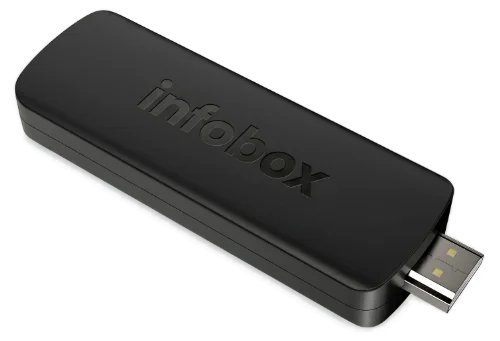
App + Basic Device
Software billed annually
 InfoBox App preconfigured
- Free EU shipping, 12 € elsewhere
- Plug & Play - Setup in minutes
- 2 GB DDR4, 8 GB storage
- 4K UHD resolution
- Remote control included
- Wi-Fi & HDMI 2.1
- Android TV operating system
- No Google account required
Platform + display
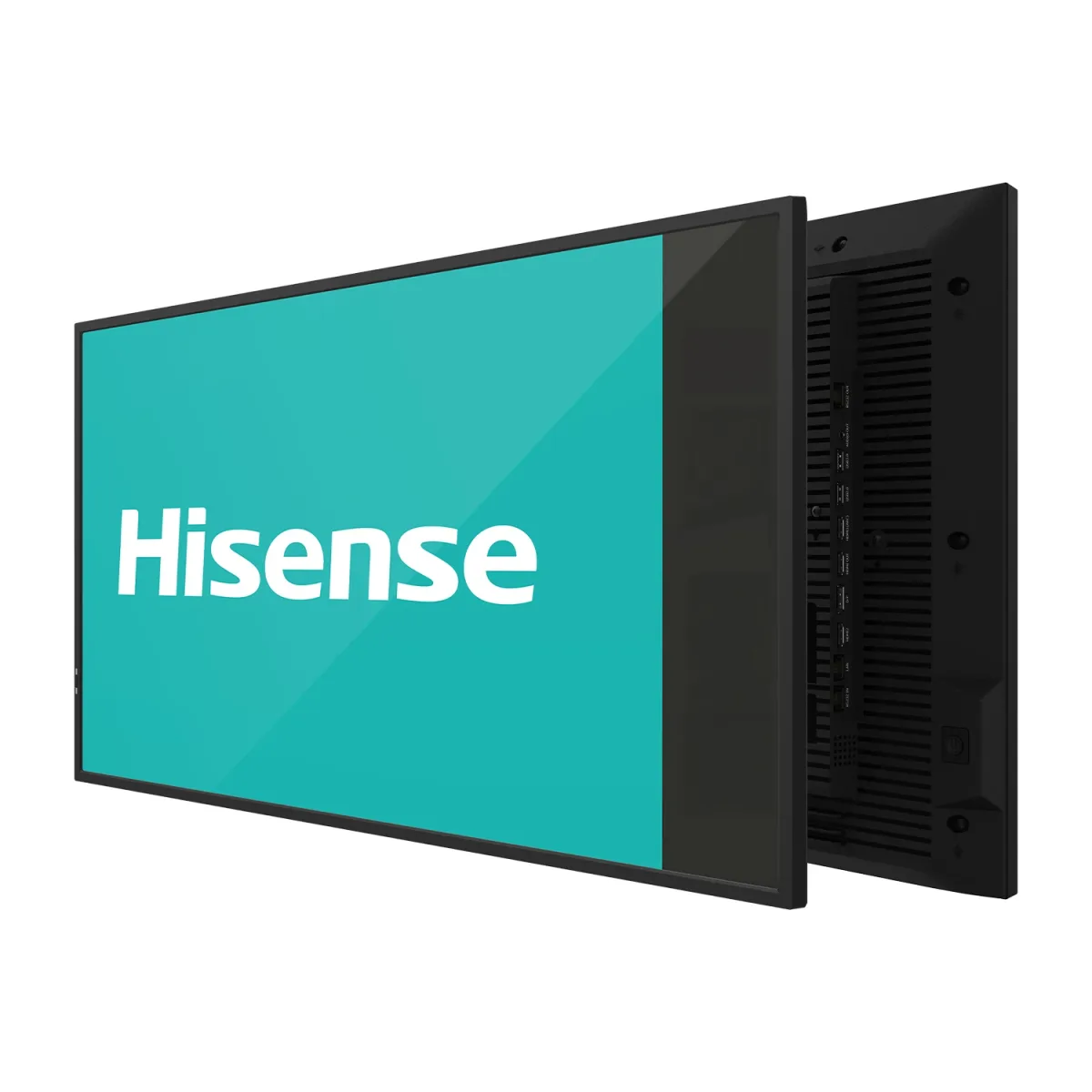
Price for a 32" display, 36-month leasing
Choose display size- Display, software, and wall mount included
- 24/7 panel, 500 nits, 4K UHD
- Hisense 32"–100" or Maxhub 43"–98"
- 36-month leasing contract
- 3-year manufacturer warranty
- Built-in Android, no media player needed

Hi. I reply personally.
Kasper Välimäki, CEO
Ask anything about devices, pricing, or whether InfoBox fits your industry. I usually reply the same day.
All prices are exclusive of VAT. The software includes a 14-day free trial, after which the software fee is billed annually in advance. When ordering a device, the software fee is charged at the time of purchase. Devices are sold as one-time purchases and include free shipping within the EU (12 € elsewhere). All devices come with a 30-day return policy and a 24-month warranty. Leasing prices include the Hisense display (32") and the InfoBox software, based on a 36-month contract via Grenke. .
Ready to upgrade your office displays?
Start your free 14-day trial today. No credit card required.
Frequently Asked Questions
How much does office digital signage cost?
InfoBox software from €7/screen/month at 10+ screens, €9/screen/month below. Use your own Android TV or add a €59 InfoBox Basic device. Annual billing, no setup fees. 14-day free trial.
Does InfoBox work with my existing TV?
Yes. InfoBox runs directly on any Android TV (Sony, Philips, TCL, Hisense, Xiaomi). For non-Android TVs we ship the €59 InfoBox Basic HDMI device that turns any TV into a remote-managed display.
What content can I display?
Images, videos, PDFs, web pages, calendars, weather, YouTube videos, Power BI dashboards, Canva designs, Google Slides presentations, Sinebrychoff ContentHub content, Lounastaja lunch menus and SharePoint views. Content can be scheduled by daypart or auto-updated via integrations.
Do screens need an internet connection?
Internet is required for updates and remote management. InfoBox supports offline playback: if the connection drops, the screen keeps showing the last synced content until the network returns.
Can InfoBox display Power BI reports?
Yes. The free Power BI add-on shows your reports live when the workspace is on Fabric, Premium or Embedded capacity. Excel reports and Google Sheets views work directly. Embed any web page for live dashboards, and pull visitor welcome screens from SharePoint calendars.
A tailored proposal for your office
Tell us about your team size and floors — we'll suggest the right number of screens and content.
We will get back to you within one business day.