

Digital signage for construction
from €7/month
Display safety info, schedules, Power BI reports and announcements on site.
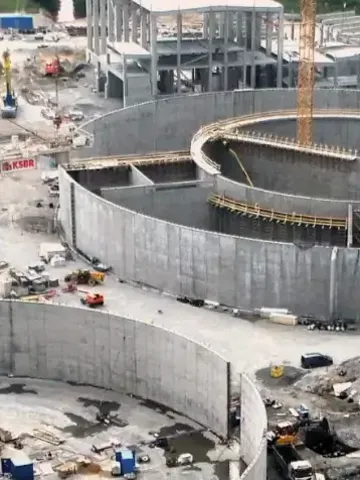



Safety, schedules and analytics
Everything your construction site needs for effective communication.
Construction-site digital signage displays safety instructions, daily schedules, and updates for workers. InfoBox works offline even on weak network connections, managed remotely via the InfoBox Platform.
Safety information
Display safety protocols, emergency procedures and hazard warnings prominently.
Takt schedules
Show takt schedules and project timelines so everyone knows the plan.
Power BI integration
Display Power BI reports, project analytics and KPIs directly on screens.
Break room displays
Keep workers informed with announcements and updates in break rooms.
Remote management
Update all site displays from anywhere. No need to visit each location.
Plug & Play
Works with any TV or display. Setup in 3 minutes.
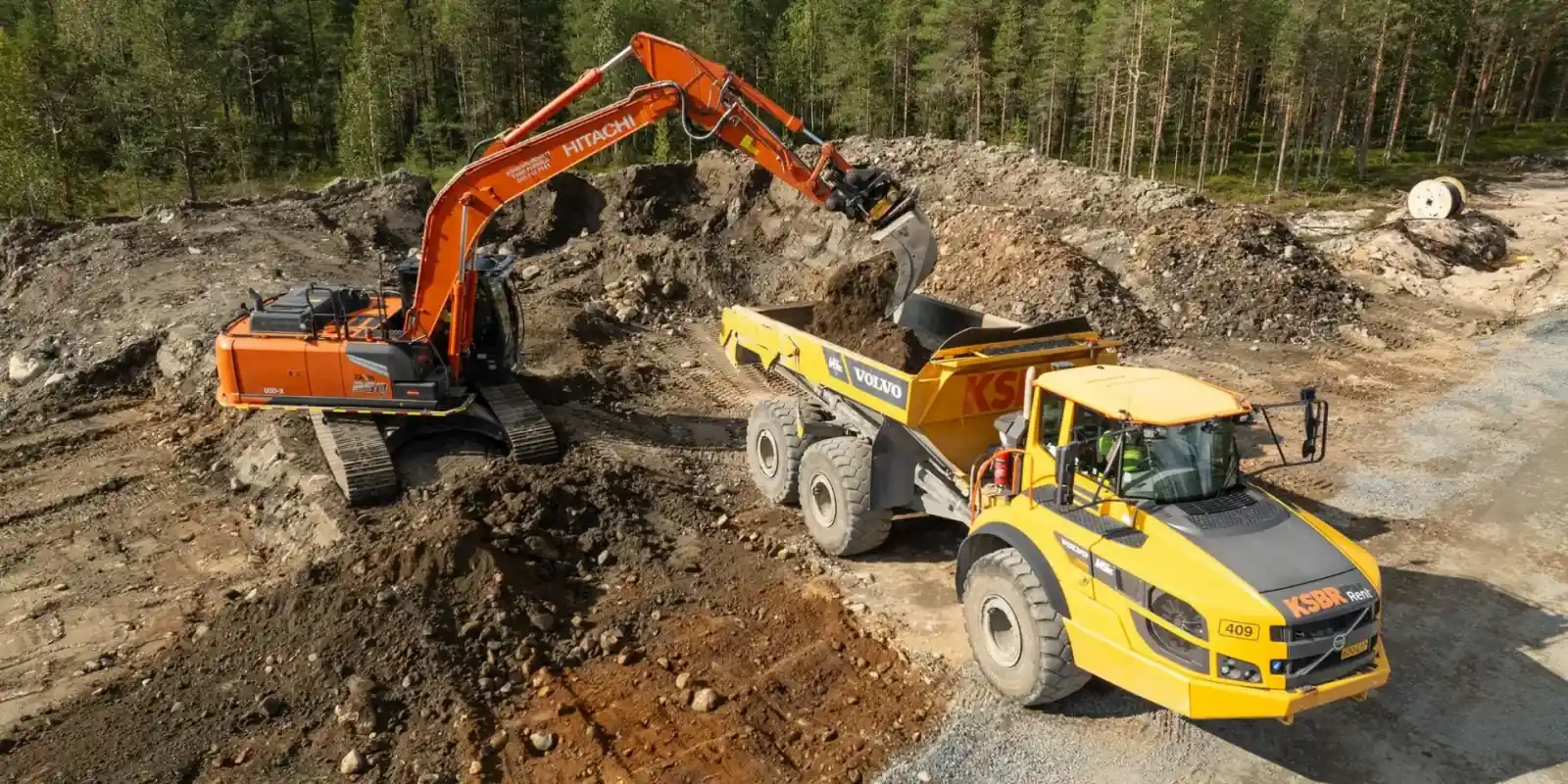
"InfoBox has revolutionized our worksite communication. We display takt schedules, safety information and Power BI reports on break room screens. Workers always know what's happening without us needing to be physically present."
– Simo Särkelä, Project Manager, KSBR
Site screens live in 3 minutes
Connect Android device
Connect your Android device via HDMI cable to any display or TV.
Connect to network
Connect the device to WiFi or ethernet. Sign in with a free Google account.
Add content
Upload images, videos or any content. Changes appear on screen within seconds.
Price calculator
Calculate your InfoBox price and get a quote instantly
Answer a few questions to see software and display prices. The quote arrives instantly as a PDF and by email.
Pricing
InfoBox Platform
Billed annually: 108 €/year
- Available on Google Play*
- Free 14-day trial
- License for 1 screen
- Unlimited users
- Images, videos, PDF & websites
- Remote management & grouping
- Advanced scheduling
- Role-based access control
- Integrations & API access
*The license includes the InfoBox Digital Signage Android application installed on the display device, as well as browser-based remote management via the InfoBox Platform. You will need a free Google account and an Android TV or Android-based device to get started.
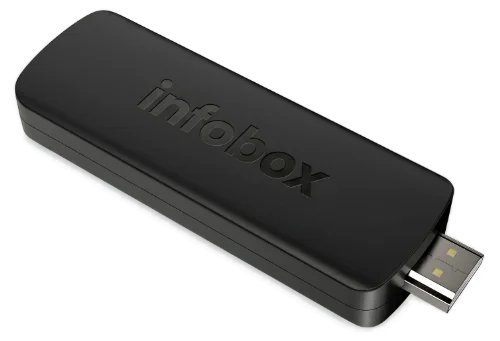
App + Basic Device
Software billed annually
 InfoBox App preconfigured
- Free EU shipping, 12 € elsewhere
- Plug & Play - Setup in minutes
- 2 GB DDR4, 8 GB storage
- 4K UHD resolution
- Remote control included
- Wi-Fi & HDMI 2.1
- Android TV operating system
- No Google account required
Platform + display
Price for a 32" display, 36-month leasing
Choose display size- Display, software, and wall mount included
- 24/7 panel, 500 nits, 4K UHD
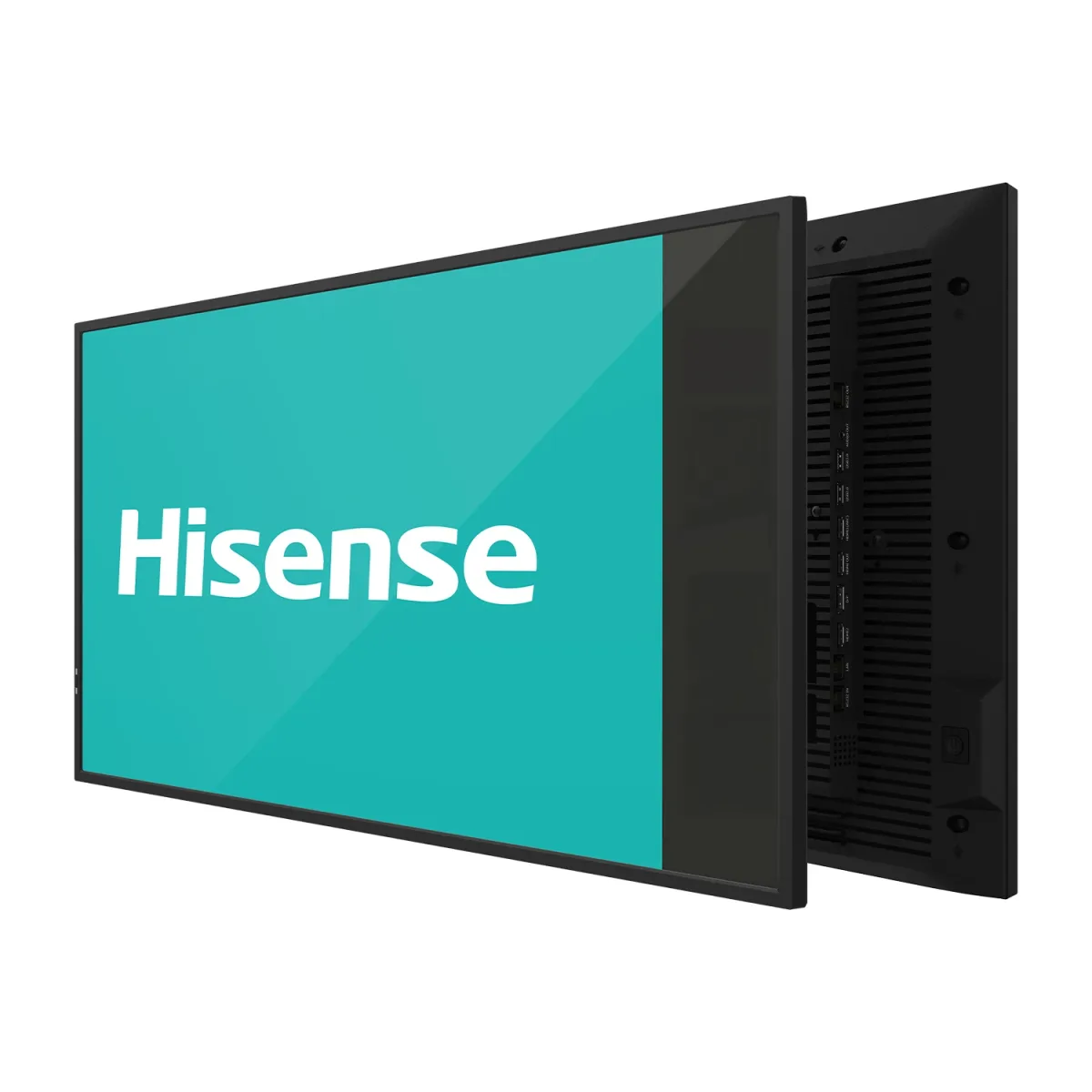
- Hisense 32"–100" or Maxhub 43"–98"
- 36-month leasing contract
- 3-year manufacturer warranty
- Built-in Android, no media player needed

Hi. I reply personally.
Kasper Välimäki, CEO
Ask anything about devices, pricing, or whether InfoBox fits your industry. I usually reply the same day.
All prices are exclusive of VAT. The software includes a 14-day free trial, after which the software fee is billed annually in advance. When ordering a device, the software fee is charged at the time of purchase. Devices are sold as one-time purchases and include free shipping within the EU (12 € elsewhere). All devices come with a 30-day return policy and a 24-month warranty. Leasing prices include the Hisense display (32") and the InfoBox software, based on a 36-month contract via Grenke. .
Ready to put screens on your sites?
Start your free 14-day trial today. No credit card required.
Frequently Asked Questions
How much does construction-site signage cost?
InfoBox software from €7/screen/month at 10+ screens, €9/screen/month below. Use your own Android TV or add a €59 InfoBox Basic device. Annual billing, no setup fees. 14-day free trial.
Does InfoBox work with my existing TV?
Yes. InfoBox runs directly on any Android TV (Sony, Philips, TCL, Hisense, Xiaomi). For non-Android TVs we ship the €59 InfoBox Basic HDMI device that turns any TV into a remote-managed display.
What content can I display?
Images, videos, PDFs, web pages, calendars, weather, YouTube videos, Power BI dashboards, Canva designs, Google Slides presentations, Sinebrychoff ContentHub content, Lounastaja lunch menus and SharePoint views. Content can be scheduled by daypart or auto-updated via integrations.
Do screens need an internet connection?
Internet is required for updates and remote management. InfoBox supports offline playback: if the connection drops, the screen keeps showing the last synced content until the network returns.
Is InfoBox suitable for safety briefings?
Yes. InfoBox shows weather, shift schedules, emergency exits and safety briefings automatically. Sitedrive, TAKT.ing and Power BI integrations keep schedules current with no manual updates.
A tailored proposal for your construction site
Tell us about your site size and project length — we'll propose a fit for safety and site bulletins.
We will get back to you within one business day.