Outdoor digital displays attract foot traffic, keep messages fresh with remote updates, and work in rain, frost, and full sun. This guide covers display types, key specs, costs, and how to manage content remotely.
Digital signage isn't limited to indoor spaces. Outdoor displays have become one of the most effective tools for capturing foot traffic, keeping promotions current, and building brand presence at street level. A 2024 Mood Media study found that 58% of shoppers actively notice digital displays and nearly half say the content influenced a purchase decision. Outdoors, those numbers are amplified: a well-placed outdoor screen reaches every person who walks past, not just those already inside.
Key Takeaways
- Outdoor displays need at least 1,500 nits of brightness to stay readable in direct sunlight; true outdoor units run 2,500–5,000 nits.
- IP55 is a sensible minimum dust and water rating for a screen mounted outdoors; IP65 and above is typical for outdoor LED walls.
- Content can be updated remotely in seconds via cloud-based software, including scheduling by time of day.
- 58% of shoppers actively notice digital displays (Mood Media, 2024).
Why Outdoor Digital Signage Works
Static outdoor signs and printed banners have two problems: they can't be updated without a physical swap, and they show the same message to every passerby at every time of day. Outdoor digital displays solve both. A bar can show a lunch offer at noon, a happy hour promotion at 5pm, and upcoming event posters at 8pm, all on a schedule you set once.
The reach is also fundamentally different from indoor signage. A display mounted at street level or facing a busy pavement communicates with every person who passes, whether or not they intend to visit your premises. That passive visibility is difficult to replicate with any other medium at the same cost.
Outdoor vs. Indoor Displays
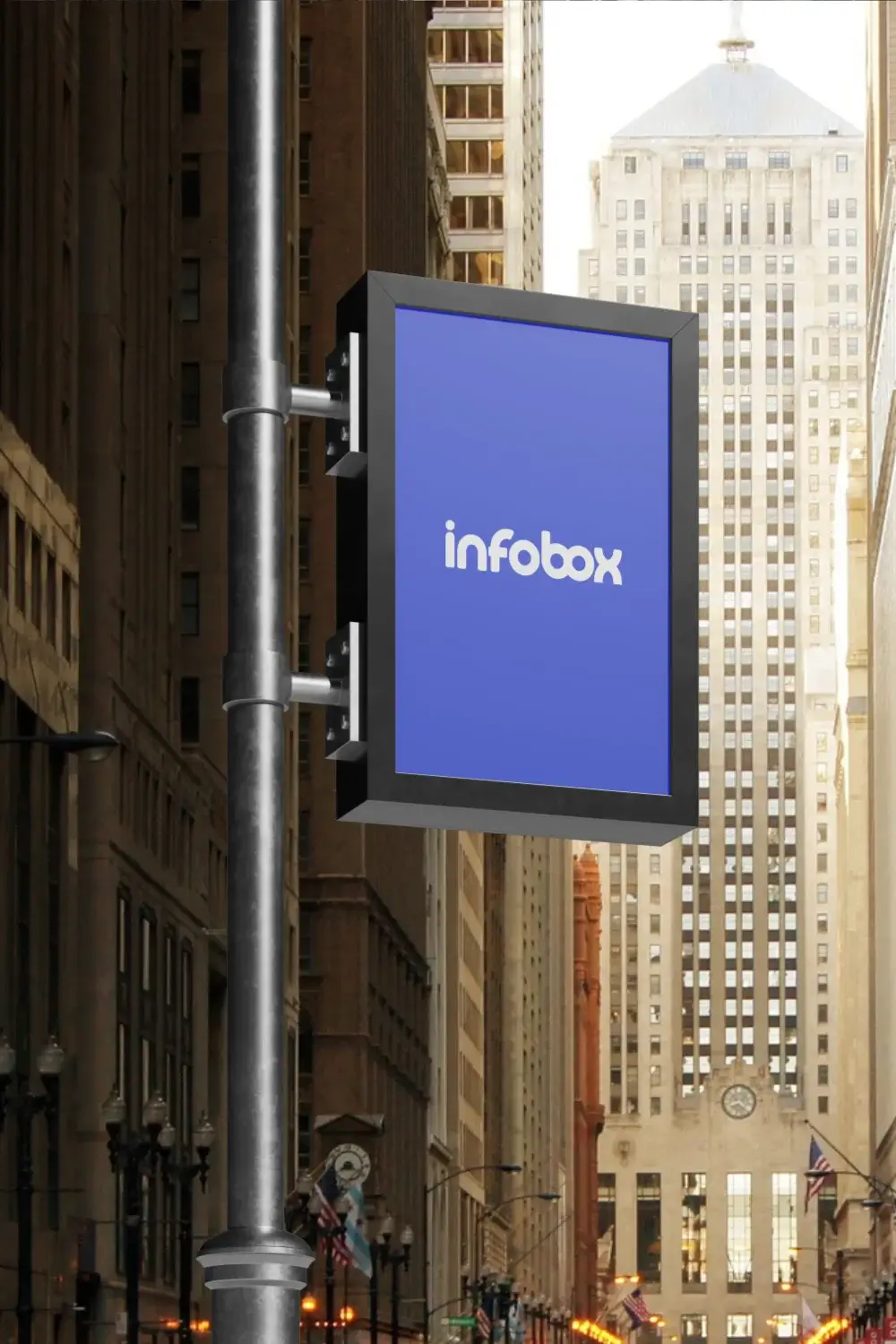
Outdoor displays aren't simply indoor screens moved outside. They're built to a different specification: higher brightness to compete with sunlight, weatherproof enclosures rated for rain and frost, wider operating temperature ranges, and in some cases vandal-resistant glass. Understanding these differences helps you choose the right product and avoid buying an indoor screen that fails within months of being exposed to the elements.
Types of Outdoor Display
The right type depends on your location, viewing distance, budget, and how the display will be mounted. Here are the main categories.
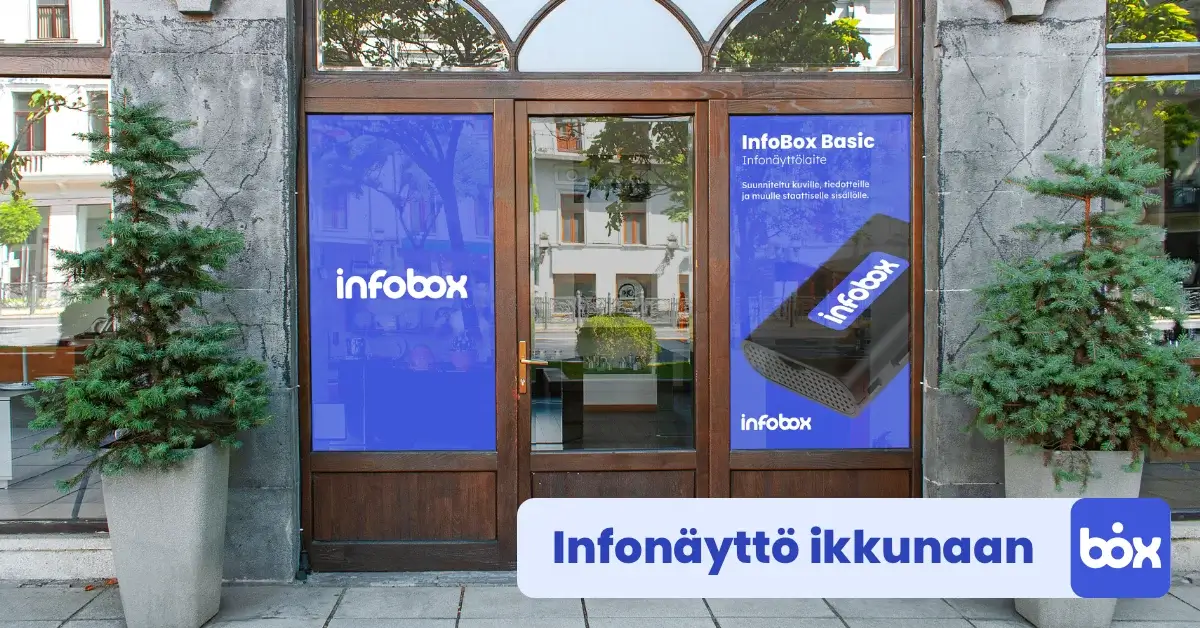
- High-brightness window displays: mounted inside facing outward through glass. Brightness typically 1,500–4,000 nits. No weatherproofing needed since the screen is indoors. The most cost-effective option for shopfronts and restaurant windows. See our window display guide for brightness specifications.
- Weatherproof commercial displays: self-contained screens rated IP55–IP66, designed for outdoor mounting. Brightness runs 2,500–5,000 nits. Operate in temperatures from -30°C to +50°C. Suitable for restaurant terraces, retail facades, transit stops, and sports venues.
- Weatherproof enclosures: steel or aluminium housings that enclose a standard commercial display. Lower upfront cost if you already own a screen. Provides weather protection but adds bulk. Used where a self-contained unit isn't available in the required size.
- Outdoor LED panels and video walls: modular systems where individual panels tile together to create large-format displays. Brightness is typically 4,000–10,000 nits, visible in direct sunlight from long distances. Common at stadiums, shopping centre facades, and high-traffic transit hubs. Higher investment but unmatched visibility.
- Freestanding totem displays: floor-standing units with integrated screen, media player, and sometimes speakers. Common at building entrances, petrol stations, and event venues where wall-mounting isn't possible.
Key Specs to Check Before Buying
Shopping for outdoor displays involves a few technical specifications that don't matter for indoor screens. Getting these right upfront avoids expensive replacements later.
☀️ Brightness (nits)
Minimum 1,500 nits for north-facing windows or covered outdoor areas. 2,500+ nits for south-facing windows. 4,000+ nits for direct sunlight exposure. Standard indoor TVs are 250–500 nits and wash out completely in daylight.
🌧️ IP Rating
IP55: dust-protected and resists water jets from any direction, a sensible minimum for a screen mounted outdoors. IP56: withstands powerful water jets; the Hisense 55OP90FE outdoor display is IP56. IP65 and IP66: fully dust-tight, common in outdoor LED walls and demanding sites.
🌡️ Operating Temperature
Finnish winters reach -30°C and Finnish summers can hit +35°C. True outdoor displays specify a full operating range, typically -30°C to +50°C. Check this figure explicitly; some commercial displays only rate down to -10°C.
🛡️ Vandal Resistance
For street-level installations in high-traffic areas, IK08 or IK10 impact resistance ratings mean the glass withstands deliberate impacts. Worth specifying for exposed urban locations, less critical for secured courtyards or terraces.
Where Outdoor Displays Are Used
Any location where you want to communicate with people outdoors is a candidate. In practice, the most common applications are:
🍺 Restaurants, Bars, and Terraces
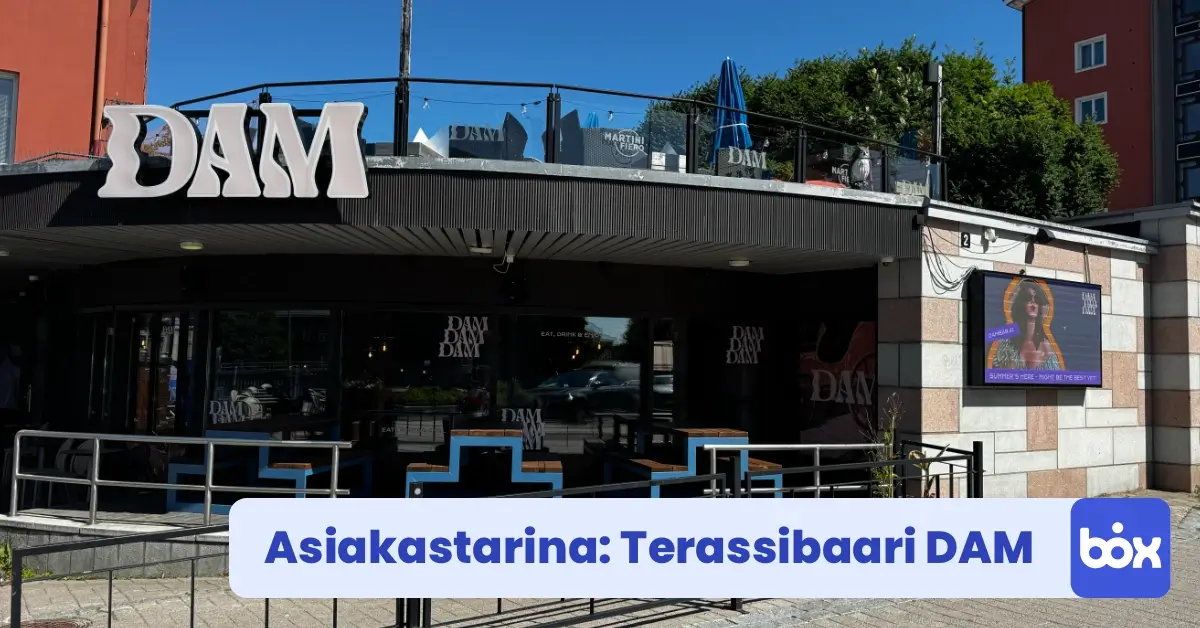
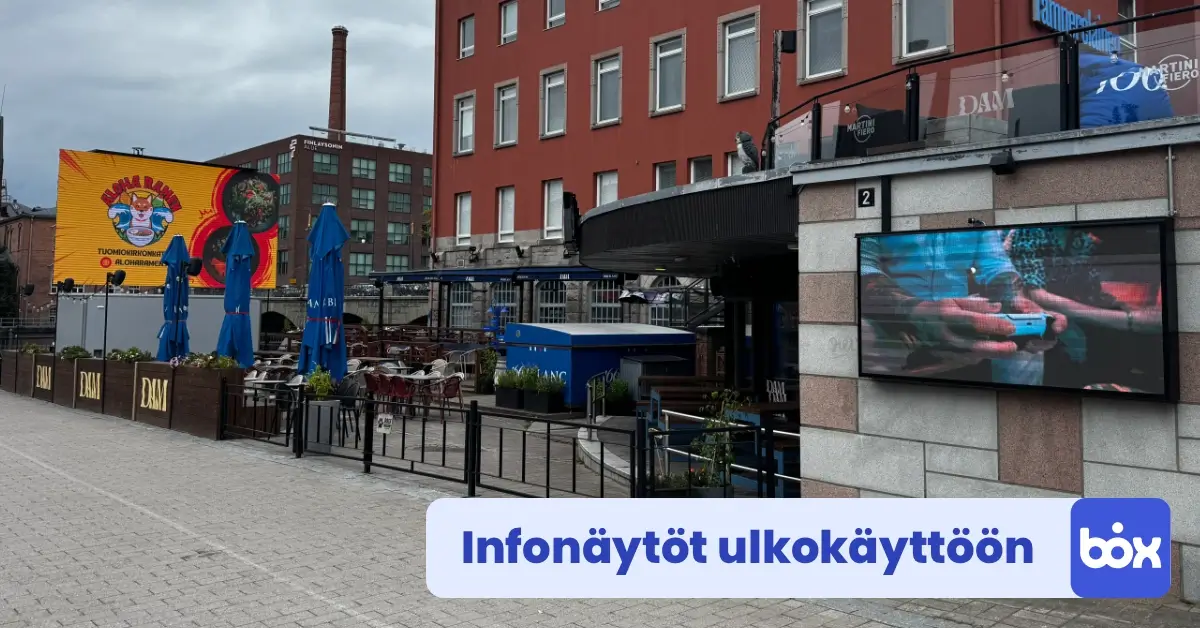
Attract passersby with event posters, daily specials, and happy hour offers displayed at street level or on the terrace. DAM Bar (Helsinki) uses a large LED panel to drive foot traffic with event content and promotional videos.
🏪 Retail Storefronts
Window-facing displays visible from the pavement promote current campaigns, new arrivals, and limited-time offers to pedestrian traffic without requiring anyone to enter the store.
🎪 Event Venues
Outdoor screens at venue entrances communicate event schedules, parking guidance, and sponsor messaging. Content changes between events without any physical material replacement.
🏗️ Construction Sites
Safety notices, site access instructions, and emergency procedures on weatherproof screens at site entrances. Remote updates from head office mean critical safety content reaches all sites simultaneously.
🏙️ Municipalities and Public Spaces
Transit information, public service announcements, local event promotion, and emergency communications in parks, bus stops, and civic buildings.
⚽ Sports Facilities
Match schedules, ticket information, sponsor advertising, and live scores on screens at stadium entrances and concourse areas. High-brightness LED panels handle direct sunlight during afternoon games.
Managing Outdoor Content Remotely
The biggest practical advantage of modern outdoor digital signage over static alternatives is remote content management. Once the screen is installed and connected, every future content update happens from a browser, not a ladder.
With cloud-based software like InfoBox, you build playlists of images and videos, assign them to screens, and set schedules. A terrace bar sets up a summer terrace playlist for June through August, a winter promotions playlist for November through February, and happy hour content for weekday evenings from 4pm to 7pm. The schedule takes care of the switching. If a Friday night event gets confirmed on Wednesday, adding the poster to the playlist takes a few minutes.
Multi-location management is equally straightforward. A restaurant group with five outlets can push a new campaign to all outdoor displays simultaneously from one dashboard. Individual locations can also manage their own content independently within limits set by the central account. This structure works well for franchise operations where brand consistency matters but local flexibility is also useful.
"For us, the most important thing was that events can be displayed immediately when confirmed, and that the content looks good. With InfoBox, this is handled easily."

Kimmo Sirviö
Owner, DAM Bar
What Does Outdoor Signage Cost?
Outdoor display costs vary significantly by type. Hardware is a one-time purchase; ongoing costs are the software subscription and periodic maintenance. Example prices from the InfoBox store in Finland (excl. VAT):
- High-brightness window displays: €2,590 (Hisense 55", 4,000 nits) or €4,290 (Hisense 75"). Indoor installation, no weatherproofing needed.
- Weatherproof outdoor displays: €4,190 (Hisense 55", 4,000 nits, IP56, IK10). Self-contained unit ready for external mounting.
- Weatherproof enclosures: from €4,320 for the housing, plus the display installed inside it. Enclosure and display together often cost more than a ready-made outdoor display, so choose an enclosure when size, orientation, or vandal protection requires it.
- Outdoor LED walls: priced per project by size and pixel pitch; large walls easily run to tens of thousands of euros. Typically requires professional installation.
- InfoBox software: from €7/month per screen on an annual plan. Works with any display that has an accessible HDMI port or Android input.
For most small businesses, a high-brightness window display combined with InfoBox is the most cost-effective entry point, clearly cheaper than a fully weatherproof outdoor unit.
Frequently Asked Questions
Can I use a standard TV outdoors?
No. Standard consumer TVs are rated for indoor use only and will fail quickly when exposed to moisture, temperature extremes, or sustained direct sunlight. They're also not bright enough to be readable outdoors. For any genuine outdoor installation, you need a display with an appropriate IP rating and brightness specification.
What brightness do I need for a south-facing window display?
For a window facing direct sunlight, a minimum of 2,500 nits is recommended. 3,000–4,000 nits gives comfortable readability throughout the day. North-facing or permanently shaded windows can work with 1,500–2,000 nits. See our window display brightness guide for a full breakdown by orientation.
Does an outdoor display need its own Wi-Fi connection?
Yes, for remote content management. The media player needs a Wi-Fi or wired internet connection to receive content updates from the cloud. If a signal doesn't reach the display location, a 4G/LTE router mounted near the screen is a common solution. If the connection drops, the screen continues playing the last downloaded content locally.
How do I protect an outdoor display from vandalism?
Choose a display with an IK08 or IK10 impact resistance rating for street-level locations. For high-risk locations, mount the screen above easy reach (above 2 metres) where possible, and consider a steel enclosure or security cage. Most commercial outdoor units include tempered glass as standard.
Can InfoBox manage outdoor LED panels?
InfoBox works with any display that accepts an HDMI input or runs Android. Most commercial outdoor LED controllers accept HDMI input from an external media player. For large LED installations with proprietary control systems, check compatibility with your panel supplier before purchasing. For standard outdoor commercial displays, InfoBox works out of the box.
For indoor commercial-grade displays, digital signage leasing is also available: a Hisense or Maxhub professional display (32–100 inches, 24/7-rated), InfoBox software, and pre-installation in one package starting at €24 per screen per month (36-month lease through Grenke). Best suited for visible indoor locations where direct-sunlight brightness isn't required.

Author
Kasper Välimäki
CEO, InfoBox
Kasper is the founder and CEO of InfoBox. He has helped hundreds of Finnish businesses deploy digital signage in restaurants, retail stores, offices, and construction sites.
Learn more