An old TV or monitor makes a great digital signage screen. We compare 6 approaches by cost, remote management and setup effort so you can pick the easiest.
If you have a working TV or computer monitor, you already have the most important part of a digital signage setup. Buying a new commercial display is not the only option, and in many cases it's not even the right one. This article covers six ways to turn an existing screen into a digital signage display, compares costs and technical requirements, and explains which solution fits which situation.
| Solution | Device cost | Software | Remote mgmt | Ease of setup |
|---|---|---|---|---|
| Laptop + Browser | €0 (own device) | €0 | Yes | Easy |
| USB Media Player | €20–60 | €0 | No | Easy |
| Mini-PC | €150–400 | €0–20/mo | Yes | Requires expertise |
| Tablet | €100–500 | €0–20/mo | Yes | Easy |
| Raspberry Pi | €60–100 | €0 | Yes | Requires coding |
| InfoBox | €59 | from €7/mo/screen | Yes | Easiest |
1. Laptop + Browser
The simplest way to turn a TV into a digital display is to connect a laptop via HDMI and open your content in full-screen mode in a browser. This works immediately with no extra cost and takes only a few minutes to set up.
The practical problems appear quickly. The laptop must stay connected at all times, the screen must not go to sleep, and content doesn't update automatically. If someone closes the browser to do other work, the display goes dark. Updating content requires physical access to the device or a separate remote desktop tool. For a one-off event or test, this is fine. For a restaurant or shop running daily, it becomes unreliable fast.
- Good for: One-off events or quick tests
- Not suitable for: Ongoing business use or unattended locations
- Biggest challenge: Requires constant monitoring, no automation
2. USB Media Player
USB media players are simple devices that play images, videos, and PDFs from a memory card or USB stick without an internet connection. The device connects to your display via HDMI and starts looping content automatically. Cost is low, typically €20–60.
The limitation is clear: no cloud connection means no remote management. Updating content means someone physically visits the device, removes the memory card, copies new files, and puts the card back. This works well for static environments where content changes rarely, but for a restaurant updating a daily lunch menu or a store running rotating campaigns, it becomes impractical quickly.
- Good for: Static content that rarely changes
- Not suitable for: Regularly updated content or remote management
- Biggest challenge: Every content change requires a physical visit
3. Mini-PC
A mini-PC is a compact Windows or Linux computer that connects to a display via HDMI. It can run a full browser, and more advanced users can configure it to run signage software or a custom script in kiosk mode. Remote access works through tools like TeamViewer or Windows Remote Desktop.
Mini-PCs are flexible but require technical knowledge both to set up and maintain. Device cost is typically €150–400, and you'll also need software or a service for content management. Windows updates, security patches, and software issues are all your responsibility. For a small business without IT support, that ongoing maintenance overhead can outweigh the savings.
- Good for: IT-literate teams wanting full control
- Not suitable for: Small businesses without IT support
- Biggest challenge: Ongoing maintenance and updates
4. Tablet
A tablet is a compact option that works well in smaller spaces or when the display is close to the viewer. An Android or iPad tablet can be wall-mounted in a stand and run a signage app or browser in full-screen mode. Many digital signage services offer dedicated tablet apps.
The limitation is screen size: while a 10–13 inch tablet suits a reception desk or a point-of-sale counter, it doesn't replace a wall-mounted TV in a restaurant or retail environment. The battery must stay charged continuously, and long-term charging degrades the battery over time. Some tablets support dedicated kiosk apps that lock the device into the signage interface so customers can't exit.
- Good for: Small spaces, reception desks, point-of-sale
- Not suitable for: Large spaces or replacing 55+ inch TVs
- Biggest challenge: Screen size and long-term battery durability
5. Raspberry Pi
Raspberry Pi is an affordable single-board computer that hobbyists and technically confident users often use to build their own signage solution. Device cost is around €60–100, and open-source projects are commonly used as a starting point.
This option requires significantly more technical knowledge than any other in this list. Installing the operating system, configuring the network, setting up auto-start, and maintaining the software are all down to the user. In a business environment where a technical problem needs to be resolved quickly, a Raspberry Pi solution can leave the display dark with no one knowing why. It's the right choice for DIY projects and the technically capable. It's not the right choice for a restaurant or shop that simply wants a working digital display.
- Good for: Technically skilled users, DIY projects, hobbyists
- Not suitable for: Business use without IT expertise
- Biggest challenge: Configuration, maintenance, and troubleshooting
6. InfoBox
InfoBox is the only true Plug & Play solution in this comparison. The device arrives pre-configured. You plug it into your display via HDMI, connect to the network, and you're done. No software installation, no configuration, no IT consultant. Most customers get their first content on screen in under 15 minutes.
Content management happens through a browser-based platform accessible from anywhere: the office, home, or a phone. You can schedule content by day of week and time of day, share playlists across multiple screens, and give team members their own login without extra cost. Unlimited users are included in all plans.
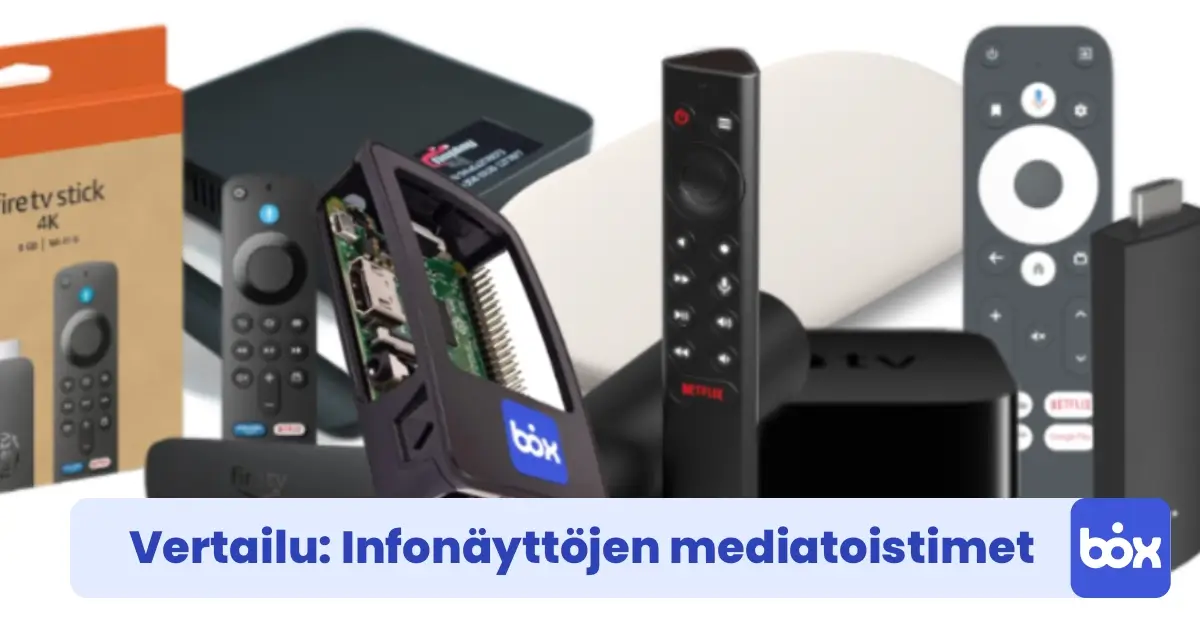
Pricing is €59 for the device and from €9/month/screen for software (1–9 screens) or €7/month/screen (10–50 screens), both billed annually. InfoBox also runs directly on Android devices: if you already have an Android TV screen, you can download the InfoBox app from Google Play with no separate media player needed. See our media player comparison for a deeper device breakdown.
- Device price: €59 (HDMI media player, pre-installed)
- Software (all billed annually): €9/mo/screen (1–9 screens) · €7/mo/screen (10–50 screens) · 50+ screens: custom quote
- Pre-installed: Yes
- Remote management: Yes
- Users: Unlimited
- Ease of setup: Easiest in this comparison
Which solution is right for you?
The decision depends on how often content changes, how much technical expertise your team has, and whether remote management matters.
- One-off event or quick test: Laptop + browser gets you started immediately at zero cost.
- Static content that rarely changes: USB media player keeps ongoing costs at zero.
- Technically confident team wanting full control: Mini-PC or Raspberry Pi offer maximum flexibility.
- Small display at a reception desk or counter: Tablet works well in compact spaces.
- Business that wants a working solution without an IT project: InfoBox is clearly the simplest option. Content updates remotely, schedules run automatically, and your whole team can manage screens from one platform.
Conclusion
An old TV or monitor is no barrier to effective digital signage. With the right combination of hardware and software, you get remote management, automatic scheduling, and a professional result without the cost of a commercial display. If you're making this decision for the first time, it's worth comparing device options in more detail before buying: our media player comparison covers seven devices on price, pre-installation, and ease of use.
Want to see InfoBox in action before committing? Book a free demo and we'll walk through a setup that fits your specific situation in under 15 minutes.
If you don't have an old screen to repurpose and don't want to source the hardware separately, digital signage leasing is also available: a Hisense or Maxhub display, software, and pre-installation in one package starting at €24 per screen per month (36-month lease through Grenke).
Frequently asked questions
How can I turn an old TV into a digital signage display?
There are six common ways: a laptop plus browser, a USB media player, a mini-PC, a tablet, a Raspberry Pi, or a plug-and-play device like InfoBox. They differ in device cost, whether they support remote management, and how much technical expertise they need. If you have a working TV or monitor, you already have the most important part of the setup.
What is the cheapest way to repurpose an old screen for signage?
A laptop plus browser costs €0 if you already own the device and works immediately, making it the cheapest option for a one-off event or quick test. A USB media player at €20-60 keeps ongoing costs at zero for static content. Both have drawbacks: the laptop needs constant monitoring, and the USB player has no remote management, so every content change requires a physical visit.
Can I run digital signage on an Android TV without extra hardware?
Yes. InfoBox runs directly on Android devices, so if you already have an Android TV screen you can download the InfoBox app from Google Play with no separate media player needed. If your screen is not Android-compatible, the pre-installed InfoBox device is €59.
Which repurposing option is easiest for a business?
InfoBox is the only true Plug and Play solution in the comparison and the easiest to set up. The device arrives pre-configured: you plug it into HDMI, connect to the network, and most customers get their first content on screen in under 15 minutes. Content is managed remotely, scheduling runs automatically, and unlimited users are included in all plans.
How much does InfoBox cost to repurpose a screen?
The device is €59 (an HDMI media player, pre-installed), and software is from €9 per month per screen for 1-9 screens or €7 per month per screen for 10-50 screens, both billed annually. Screens above 50 are a custom quote. Unlimited users and remote management are included.

Author
Kasper Välimäki
CEO, InfoBox
Kasper is the founder and CEO of InfoBox. He has helped hundreds of Finnish businesses deploy digital signage in restaurants, retail stores, offices, and construction sites.
Learn more