

Compatible digital signage devices and TVs
Use your own Android TV, plug a €59 InfoBox Basic stick into any HDMI screen, or order a turnkey leasing package with a Hisense or Maxhub display.
Three paths to a digital signage display
Pick the easiest path for your situation. All three use the same InfoBox software.
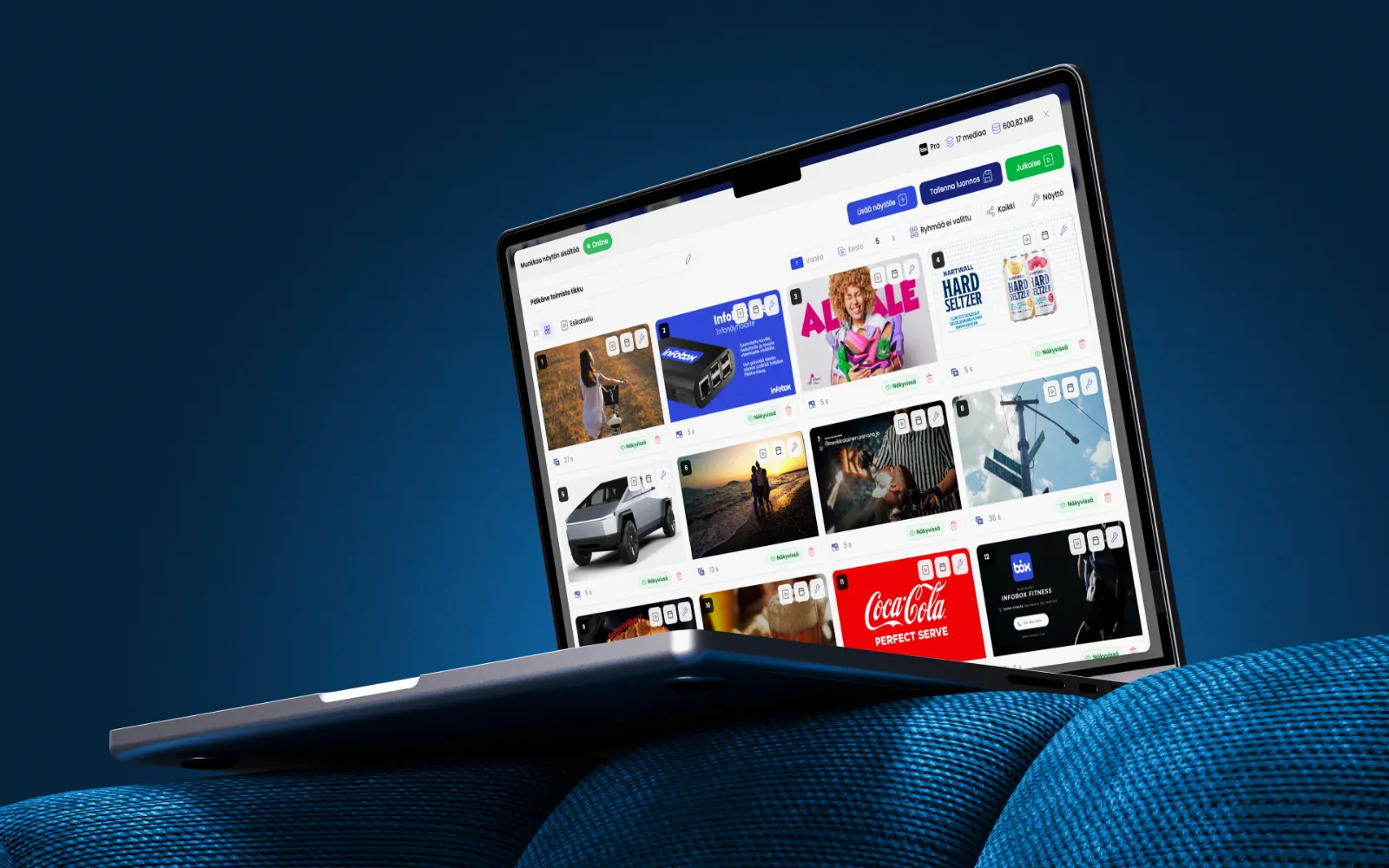
Software only
Use your own Android TV. Download the InfoBox app directly from Google Play or activate the device with a pairing code.
Price
from €7/screen/month
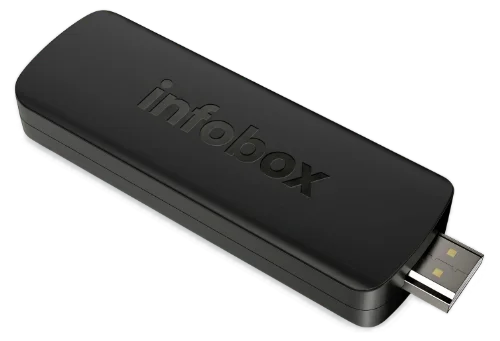
InfoBox Basic stick
A small HDMI stick. Fits any TV that doesn't already have Android built in.
One-time
€59/device
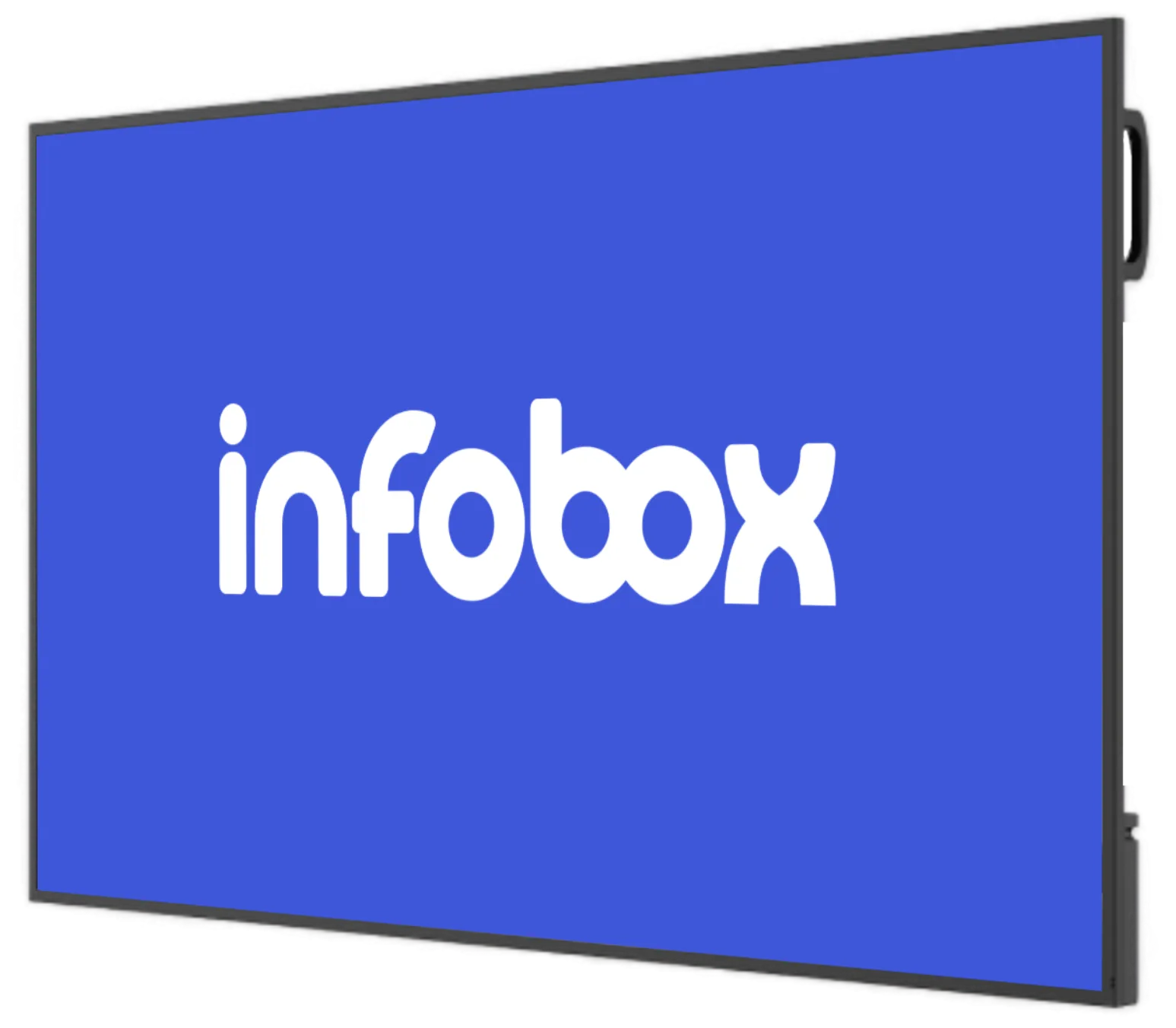
Turnkey leasing
Hisense or Maxhub commercial display, InfoBox software, and pre-installation in the same monthly price.
All-in-one
from €24/screen/month
Does InfoBox work with your device?
Direct answers to the most common device questions. Recommended marks the best-tested route, Works means the platform functions but support is lighter.
Android TV
RecommendedSony, Philips, TCL, Hisense, Xiaomi, Nokia
Download the InfoBox app directly from Google Play. No separate media player needed.
InfoBox Basic stick
Recommended€59 HDMI stick, one-time
A pre-configured stick for any TV without Android. The easiest route for older televisions.
Hisense or Maxhub commercial display
RecommendedTurnkey leasing, from €24/screen/month
Hisense or Maxhub display (32-100"), InfoBox software and pre-installation on a 36-month Grenke lease.
Generic Android device
WorksAndroid sticks, Android tablets, Chromecast with Google TV
Any Android device that connects to your TV's HDMI port. Works, but support and configuration are on you.
LG webOS
Coming soonLG smart TVs
A native LG webOS app is in development. For now, plug any Android device into the HDMI port.
Samsung Tizen OS
Coming soonSamsung smart TVs
A native Samsung Tizen app is in development. For now, plug any Android device into the HDMI port.
Amazon Fire TV
Coming soonFire TV Stick and Fire TV Cube
A native app launches later. Today the platform runs via an Android-based sideload.
Apple TV and iOS
Coming soonApple TV and iPad
Apple device support is planned. Today InfoBox requires an Android-based device.
Raspberry Pi
SideloadRPi 4 and newer
Works on Android-based RPi configurations. Requires technical know-how. Not a standard supported route.
Status labels: Recommended = best-tested route · Works = functions, but lighter support · Coming soon = native support in development · Sideload = requires technical setup.
Which device should you choose?
Recommendations by situation. Every route uses the same InfoBox software; the difference is the hardware and total cost.
Restaurant or café
1-3 screens
Recommendation
InfoBox Basic stick on your own TVs
Most restaurants use regular TVs. An InfoBox Basic stick turns them into remotely managed screens in a couple of minutes.
See software pricingConstruction site or remote location
One screen in the break room
Recommendation
InfoBox Basic stick on the break-room TV
A single screen for bulletins and Sitedrive schedules. No new hardware needed.
Explore construction useRetail chain
10+ screens across stores
Recommendation
Turnkey leasing with Hisense or Maxhub displays
A uniform commercial-grade display in every store. Installation, warranty, and software in the same monthly fee.
See leasing packagesOffice or reception
1-5 screens
Recommendation
Existing Android TV, software only
If you already have an Android TV, the InfoBox app from Google Play is all you need. No hardware cost.
Explore the softwareFrequently asked questions
Is a Samsung TV compatible?
Only Android-based Samsung TVs work directly. Most newer Samsung models run Tizen OS, which doesn't yet support a native InfoBox app. The InfoBox app works on those via an Android device plugged into the HDMI port, for example a €59 InfoBox Basic stick. Native Tizen OS support is in development.
Why doesn't LG webOS work natively yet?
LG smart TVs run their own webOS system, which requires a dedicated native app. InfoBox's webOS app is in development but not yet released. For now, LG TVs work with InfoBox when you plug any Android device into the HDMI port (your own tablet, a Fire TV, a generic Android stick, or a €59 InfoBox Basic stick).
Do I need a separate media player?
Not if your TV runs Android. Sony, Philips, TCL, Hisense, Xiaomi, Maxhub, and Nokia ship Android TVs where InfoBox installs directly from Google Play. For older TVs or LG and Samsung sets, any Android device on the HDMI port is enough.
Does InfoBox support Android tablets?
Yes. A tablet can be connected to a TV via HDMI and the InfoBox app installed on it from Google Play. The tablet can also work as a standalone display, for instance on a reception desk.
Can I use an old TV?
Yes, as long as it has an HDMI port. Practically every TV manufactured after 2010 has an HDMI port, where an InfoBox Basic stick (€59) or any other Android device plugs in. The TV doesn't have to be a smart TV.
Start your trial with your own device
No credit card, no commitment. Use your own Android device or order an InfoBox Basic stick (€59).