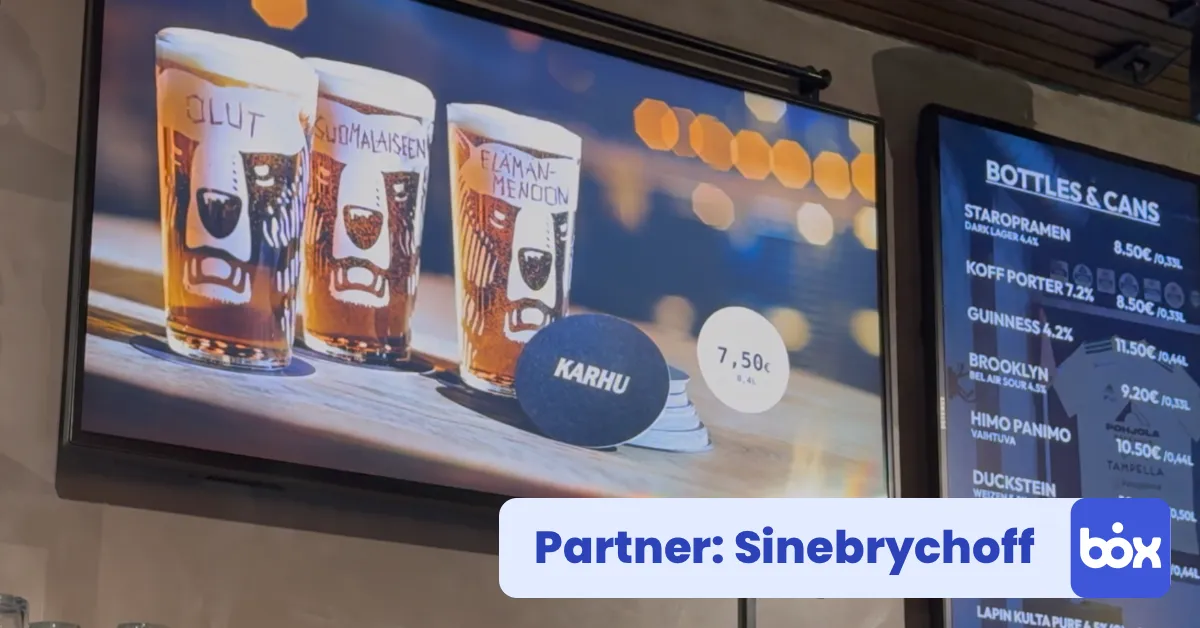
The InfoBox Sinebrychoff add-on brings brand material into the media library and ContentHub beverage ads onto the screen. Free, and the restaurant switches it on itself.
Sinebrychoff's restaurant customers now get beverage ads onto their InfoBox digital signage screens through an add-on. With the Sinebrychoff add-on switched on, Sinebrychoff's brand images and videos appear in the InfoBox media library ready to use, and ads made in ContentHub with the restaurant's own prices are picked for the screen from the Sinebrychoff card in the content picker. The add-on is free, and the restaurant switches it on itself.
We announced the InfoBox and Sinebrychoff partnership in March 2026. Until now an ad made in ContentHub reached the screen as a web address or a file. The add-on brings the same content inside InfoBox: the material sits where the rest of the screen content is made, and nothing is downloaded and uploaded again.
brand material in the media library and your own ads from ContentHub
of ready ad templates in ContentHub, portrait and landscape
the add-on is included in the software price on every screen
What the Sinebrychoff add-on does
The add-on connects your InfoBox organization to Sinebrychoff's material in two ways: ready brand material lands in the media library, and the restaurant's own ads are fetched from ContentHub.
- Brand images and videos in the media library. Sinebrychoff's product images and ad videos show up in the InfoBox media library as their own section. They are read-only: the restaurant can put them on a screen but not edit or delete them, and Sinebrychoff keeps them up to date.
- Your own ads from ContentHub. An ad that needs the restaurant's own prices or offer text is still made on a ContentHub template. The finished ad is picked for the screen from the InfoBox content picker: Add new, Integrations, Sinebrychoff.
- The content behaves like everything else. A Sinebrychoff slide takes a duration, weekdays and times, and goes into playlists like your own image or video. The happy hour ad shows only during happy hour.
- You switch the add-on on yourself. An administrator enables it on the InfoBox Add-ons page. No need to contact InfoBox.
How to set up the add-on
1. Switch the add-on on. In the InfoBox control panel, open Add-ons, find Sinebrychoff and enable it. The organization's administrator does this once.
2. Check your ContentHub access. Making your own ads needs a Sinebrychoff customer relationship and credentials for ContentHub. If you do not have them yet, ask your Sinebrychoff representative.
3. Add the content to a screen. A ready brand image or video is added from the media library like any image. Your own ad is added by choosing Add new, Integrations and Sinebrychoff, and picking the ad from the list.
4. Publish. Set the duration and schedule and publish the screen as usual.
Brand material or your own ad?
You need both. Brand material is the fastest way to get a good-looking beverage image on the screen, and your own ad is where the restaurant's prices and offers go.
| Brand image or video | Your own ad from ContentHub | |
|---|---|---|
| Where to find it | InfoBox media library | Sinebrychoff card in the content picker |
| Who makes the content | Sinebrychoff | The restaurant, on a ContentHub template |
| Own prices and text | No | Yes |
| Editable in InfoBox | No, read-only | Editing happens in ContentHub |
| Best for | Mood shots and brand presence | Offers, prices and campaigns |
How restaurants use the add-on
Bars and pubs. The happy hour price comes from a ContentHub ad scheduled for the afternoon hours, and a brand video runs the rest of the time. More on screen placement in a bar in the Kuparitarha case study.
Terraces. The summer drinks list is made once in ContentHub, and on a rainy day it is swapped for an indoor offer. See the DAM terrace bar case study for an example.
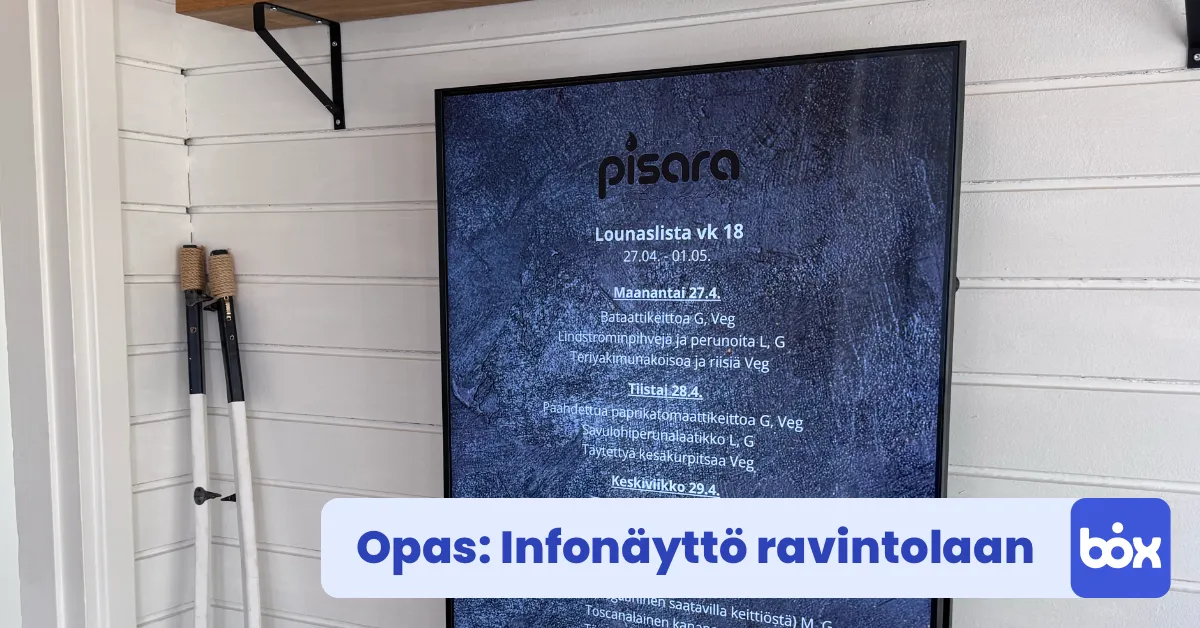
Lunch restaurants. The lunch menu comes from Lounastaja and the drink offer from Sinebrychoff's material, in the same playlist. The whole content flow of a restaurant is covered in our restaurant digital signage guide.
Who is the add-on for?
The add-on is for Sinebrychoff's restaurant and HoReCa customers in Finland. Using the brand material needs nothing more than switching the add-on on, and making your own ads needs ContentHub credentials. Sinebrychoff customers also have their own InfoBox offer, presented on the Sinebrychoff partner page.
What does the Sinebrychoff add-on cost?
Nothing extra. The add-on is included in the InfoBox Platform price of €9 per screen per month for fewer than ten screens and €7 per screen per month from ten screens, billed annually. ContentHub itself is part of the Sinebrychoff customer relationship. All prices are on the pricing page.
Guides and support
The add-on guide is in the InfoBox Help Center. The other integrations restaurants use, such as Lounastaja, Canva and YouTube, are collected on the features page.
Want to see the add-on in use?
In a demo we switch the add-on on, bring a ContentHub ad to a screen and walk through your restaurant's content flow. No commitment.
Frequently asked questions
What does the InfoBox Sinebrychoff add-on do?
It brings Sinebrychoff's brand images and videos into the InfoBox media library as read-only material and lets you pick ads made in ContentHub for the screen from the Sinebrychoff card in the content picker. The content behaves like any other InfoBox content: it gets a duration and a schedule and can go into playlists.
How do I switch the Sinebrychoff add-on on?
The organization's administrator opens the InfoBox Add-ons page, finds Sinebrychoff and enables the add-on. No need to contact InfoBox. Making your own ads also needs ContentHub credentials, which your Sinebrychoff representative provides.
Can I edit Sinebrychoff's brand material in InfoBox?
No. The brand images and videos are read-only in the media library: you can put them on a screen but not edit or delete them. An ad that needs your own prices or text is made on a ContentHub template and picked for the screen from the Sinebrychoff card.
Who is the Sinebrychoff add-on for?
Sinebrychoff's restaurant and HoReCa customers in Finland. Using the brand material only needs the add-on switched on, and making your own ads needs a Sinebrychoff customer relationship and ContentHub credentials.
Does the Sinebrychoff add-on cost extra?
No. It is included in the InfoBox Platform price of €9 per screen per month for fewer than ten screens and €7 per screen per month from ten screens, billed annually. ContentHub itself is part of the Sinebrychoff customer relationship.

Author
Kasper Välimäki
CEO, InfoBox
Kasper is the founder and CEO of InfoBox. He has helped hundreds of Finnish businesses deploy digital signage in restaurants, retail stores, offices, and construction sites.
Learn more